
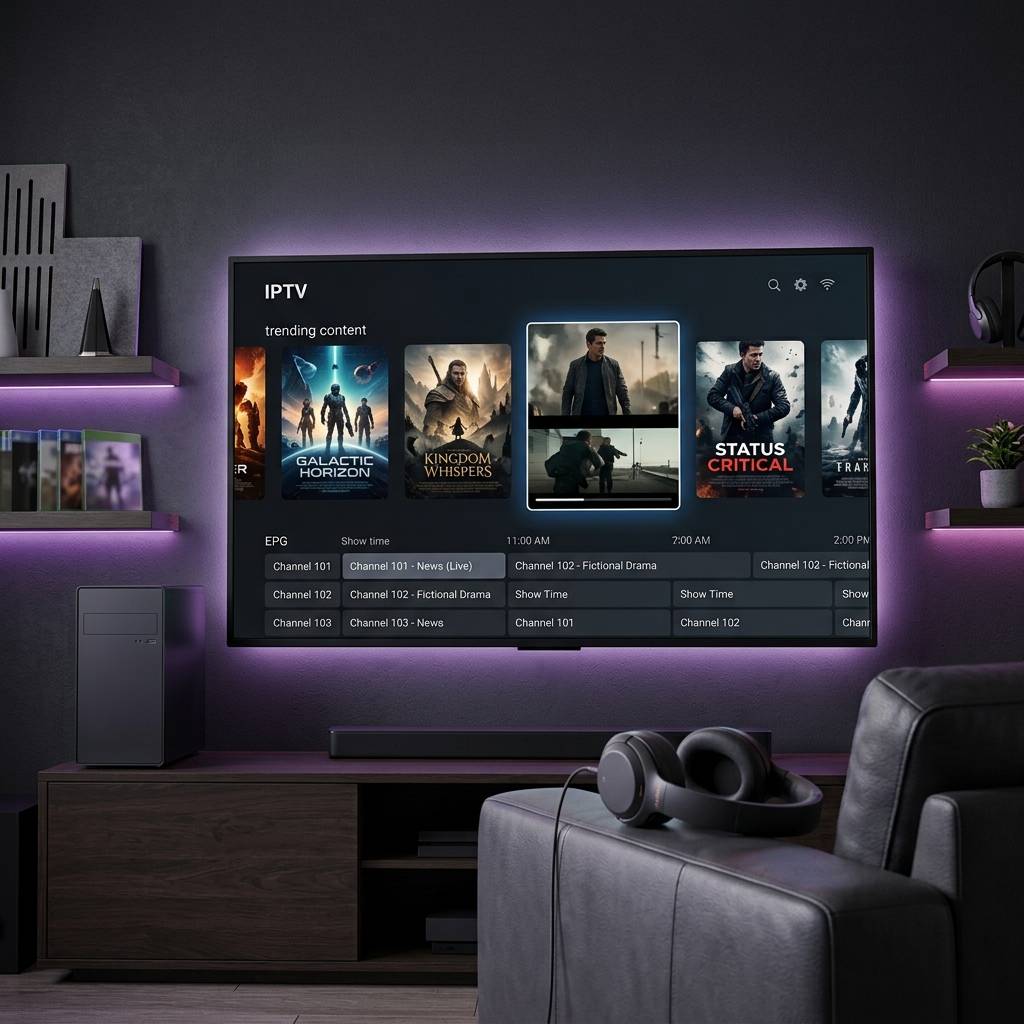
Best 4K Streaming Media Player for Every Budget 2026

Upgrading from a 1080p set to a 4K TV is the moment most people discover their streaming device matters. Upgrading to a 4K TV while still using an old Firestick HD is a common mismatch. A true 4K HDR demo clip played directly from USB on the TV shows what you are missing. The difference in colour is striking. Shadow details in dark scenes that were previously just black. Highlights that actually pop off the screen. A demo clip like this shows what a 4K TV can really do — and how much an old HD streaming stick holds the picture back. The goal is a player with native 4K decode, proper HDR handling and smooth IPTV performance without breaking the budget.
What Makes a 4K Media Player Actually Good
Marketing departments love putting 4K on the box. But there is a massive difference between a device that supports 4K output resolution and a device that actually decodes and displays 4K content properly. Here is what separates a genuine 4K streaming media player from a pretender.
- Hardware codec decode A proper 4K player decodes HEVC, VP9, and AV1 using a dedicated hardware decoder chip rather than the main CPU. Hardware decode keeps the processor cool, prevents frame drops, and allows the device to play 4K content smoothly for hours without thermal throttling. Cheap devices that rely on software decode overheat within 30 minutes of 4K playback.
- HDR metadata passthrough The player must correctly read HDR10, HDR10+, or Dolby Vision metadata from the stream and pass it to the television. Incorrect metadata handling results in washed-out colors, crushed shadows, or blown-out highlights even on a perfect 4K HDR TV.
- Frame rate matching Movies are shot at 24fps. European sports broadcast at 50fps. American content uses 60fps. A good 4K player switches its output refresh rate to match the source content automatically. Without frame rate matching, 24fps movies display with judder during camera pans and 50fps sports look choppy.
- Sufficient bandwidth 4K HDR streams require 25 to 40 Mbps of sustained throughput depending on the codec and bitrate. The player WiFi radio and ethernet port must deliver this bandwidth consistently. WiFi 5 is the minimum. WiFi 6 or WiFi 6E is preferred. Wired ethernet is ideal.
1 Nvidia Shield TV Pro Best 4K Performance
- Processor Nvidia Tegra X1+ with 3GB RAM. The most powerful processor available in any streaming device in 2026. Decodes every codec thrown at it without breaking a sweat.
- AI Upscaling The Shield uses machine learning to upscale 720p and 1080p content to near-4K quality in real time. This is the single feature that justifies the price premium. Content that looks mediocre on other devices looks noticeably sharper on the Shield.
- HDR Full Dolby Vision, HDR10, HDR10+, and HLG support. The most complete HDR implementation of any streaming device.
- Connectivity Built-in gigabit ethernet, WiFi 5, Bluetooth 5.0, two USB 3.0 ports, HDMI 2.0b output.
- 4K IPTV performance TiviMate 4K channel switching at 0.5 seconds. Multi-view with 4 tiles in 1080p simultaneously. Known for very stable playback. Runs a full Plex Media Server locally for personal media.
- Price $200. The premium option for viewers who demand the absolute best picture quality from every source.
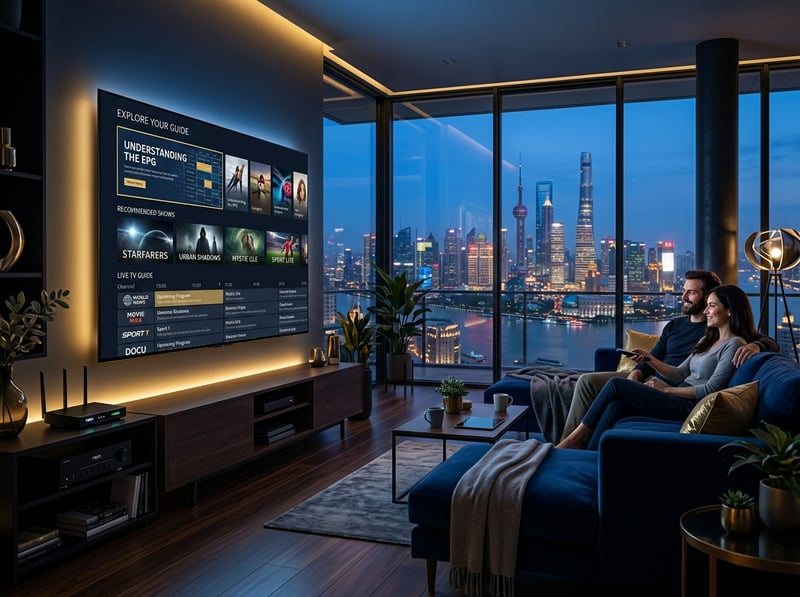
2 Amazon Firestick 4K Max Best 4K Value
- Processor MediaTek MT8696T with 2GB RAM. Handles 4K HEVC, VP9, and AV1 decode in hardware without frame drops or overheating.
- WiFi 6E The Firestick 4K Max is the only sub-$100 streaming device with WiFi 6E tri-band support. The 6GHz band reduces interference and delivers higher sustained throughput for 4K streams during peak evening hours.
- HDR HDR10+, HDR10, HLG, and Dolby Vision support. Proper metadata passthrough to compatible televisions.
- Frame rate matching Supports automatic frame rate switching between 24fps, 50fps, and 60fps when enabled in display settings.
- 4K IPTV performance TiviMate 4K channel switching at 0.8 seconds. Handles 4K HEVC IPTV streams at 30 Mbps without any decode issues. Multi-view with 2 tiles works smoothly.
- Sideloading Full TiviMate and third-party app support through the Downloader app. Developer options unlock easily for IPTV player installation.
- Price $60. One-third the cost of the Shield with 85% of the 4K performance for daily streaming and IPTV use.
For the complete setup walkthrough read our Firestick setup guide with performance optimization tips specifically for 4K playback.
3 Apple TV 4K Best HDR Processing
- Processor Apple A15 Bionic chip. Absurdly overpowered for streaming. Apps launch instantly and interface animations are the smoothest in the market.
- HDR processing Apple handles Dolby Vision tone mapping better than any other device. Dark scenes retain shadow detail. Bright scenes avoid clipping. Color accuracy is reference-grade.
- Build quality Solid aluminum housing. The Siri remote is the best streaming remote ever designed with a touch-sensitive clickpad and USB-C charging.
- Connectivity Gigabit ethernet on the 128GB model. WiFi 6. Bluetooth 5.0. HDMI 2.1 output with eARC.
- IPTV limitations No TiviMate. No sideloading. Limited to iOS IPTV apps from the App Store like IPTVX and Youtivi. These apps are functional but lack the feature depth of TiviMate on Android platforms.
- Price $129 for 64GB WiFi model. $149 for 128GB with ethernet. Premium pricing for premium build quality and HDR performance.
4 Roku Streaming Stick 4K Best Simplicity
- 4K performance Handles mainstream streaming in 4K with HDR10+ and Dolby Vision. Smooth playback for all standard streaming applications.
- Interface The cleanest most intuitive home screen of any streaming platform. No clutter, no confusion, minimal ads compared to Firestick.
- Free content The Roku Channel delivers 350+ free live channels and on-demand content built into the device.
- IPTV limitations No TiviMate. No sideloading. Limited to IPTV Smarters and basic M3U players from the Roku Channel Store. 4K IPTV performance through Smarters is notably slower than Firestick with TiviMate.
- Price $50. The cheapest name-brand 4K streaming option with reliable mainstream performance.
5 Android TV Boxes Best 4K Hardware Value
- Raw specs per dollar Boxes from brands like Mecool and Ugoos offer 4GB RAM, 32 to 64GB storage, built-in gigabit ethernet, USB 3.0 ports, and full Android at $70 to $120. More hardware for less money than any streaming stick.
- 4K decode Boxes with Amlogic S905X4 or S928X processors handle HEVC, VP9, and AV1 in hardware. The S928X offers AV1 decode at 4K 120fps which future-proofs the device for next-generation content.
- IPTV advantage Full Android means TiviMate, every IPTV app, and unrestricted Play Store access without sideloading. USB ports for external recording storage. Ethernet for rock-solid wired connections.
- Risk factors Build quality varies by brand. Firmware updates are inconsistent. WiFi modules in cheap boxes are often inferior to name-brand sticks. Buy from established brands with documented update histories.
For detailed Android box comparisons and model recommendations read our complete streaming device rankings.
4K Settings You Must Configure After Purchase
Every 4K streaming media player ships with default settings that do not optimize picture quality. Make these adjustments immediately after setup.
- Enable Match Original Frame Rate
- In display settings, turn on automatic frame rate matching. This prevents 24fps movies from displaying with judder and ensures 50fps sports content plays smoothly. Without this setting your player forces everything to 60Hz which introduces motion artifacts.
- Set Color Depth to Maximum
- Navigate to display settings and set color depth to 10-bit or 12-bit depending on your device and TV capabilities. Higher bit depth produces smoother color gradients and eliminates banding in skies, sunsets, and dark scenes.
- Enable HDR on Your TV Input
- Some TVs require you to manually enable enhanced HDMI mode or UHD deep color on the specific HDMI port your player is connected to. Without this setting your TV may strip HDR metadata and display standard dynamic range instead.
- Set Audio to Passthrough
- If you use a soundbar or AV receiver, set audio output to passthrough or auto so the player sends the original audio stream to your sound system for proper decoding. Downmixing to stereo on the player destroys surround sound information.
Which 4K Player Should You Buy
The decision is straightforward. Budget under $65 and you use IPTV? Buy the Firestick 4K Max. It delivers excellent 4K decode with WiFi 6E and full TiviMate support for $60. Want the absolute best 4K experience with AI upscaling and wired ethernet? Buy the Nvidia Shield TV Pro for $200. Only use mainstream streaming apps on Apple devices? Buy the Apple TV 4K for $130 and enjoy the best HDR processing in the market. Want maximum hardware specs for dedicated IPTV with recording? Buy a reputable Android TV box with an S905X4 processor or better. For player app setup on your new device read our IPTV stream player app guide or follow our TiviMate premium configuration walkthrough to unlock the best 4K IPTV experience. Ready to see what 4K IPTV looks like? Grab your free trial and test it tonight.
Frequently Asked Questions
Ready to get started?
Try our service risk-free with a 24-hour free trial.
Related Articles
Fire TV Stick 4K Max Complete Setup and Performance Review 2026
An in-depth review and setup guide for the Amazon Fire TV Stick 4K Max. Covers Wi-Fi 6E speeds, 16GB internal storage, comparisons against standard models, and IPTV optimization.
Firestick Not Working and How to Fix Every Common Problem Fast
A complete troubleshooting guide for every common Firestick problem from black screens and boot loops to freezing apps and WiFi disconnections. Each fix includes step-by-step instructions that solve the issue without needing a factory reset in most cases.
The Best Internet Setup for Gaming and How to Minimize Lag and Latency
A performance-focused guide to optimizing your internet connection for online gaming covering latency reduction and bandwidth requirements and router configuration and wired networking and quality of service settings.