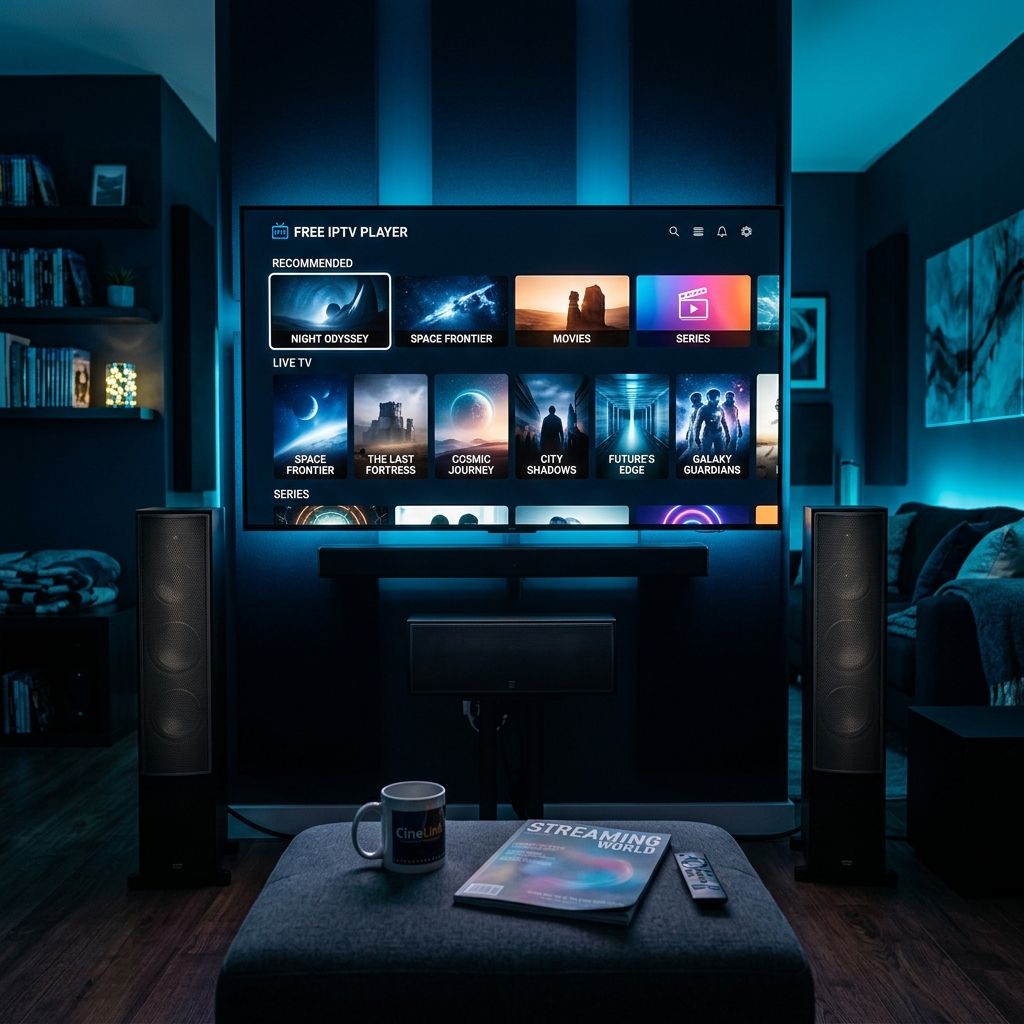
Best Free IPTV Players for Firestick (2026 Tested)

When I first started with IPTV on my Firestick, I refused to pay for a player app. I had a subscription already — why would I spend more on the app that plays it? So I downloaded every free IPTV player I could find and tested them all. IPTV Smarters, the free version of TiviMate, OTT Navigator's free tier, Perfect Player, Kodi with PVR add-ons, GSE IPTV — I tried them all over the course of three weeks. Some were decent. Some were awful. Most were somewhere in between — functional enough to watch TV but missing something that made the experience feel clunky or incomplete. That testing marathon taught me exactly what each free player does well, where it falls short, and whether the free version genuinely serves your needs or just exists to push you toward a paid upgrade. If you're looking for a free IPTV player for Firestick and don't want to spend hours testing apps that might not work, this is every lesson from my three weeks of app-hopping condensed into one honest comparison.
A free IPTV player for Firestick does one fundamental job — it takes your subscription credentials and turns them into a watchable TV experience on your screen. But how well it does that job varies dramatically between apps. Channel switching speed, EPG presentation, VOD navigation, resource usage on the Firestick's limited hardware, and stability during extended viewing sessions all differ from player to player. The right free player makes IPTV feel like proper television. The wrong one makes it feel like a compromise you're constantly fighting with.
Core Concepts & Need-To-Know Info
- Free IPTV Player: An app that connects to your IPTV subscription using Xtream Codes or M3U credentials and displays live channels, VOD content, and an electronic programme guide on your Firestick. Free versions are available for most popular players but typically have limitations compared to paid tiers.
- Xtream Codes API: Server URL, username, password — the connection method that delivers the best experience across most players. Faster EPG loading, better channel organisation, and quicker switching than M3U on nearly every app I've tested.
- M3U Playlist: A single URL that loads your channel lineup. Every free player supports M3U. It's universally compatible but generally slower for EPG synchronisation and channel switching than Xtream Codes.
- EPG (Electronic Programme Guide): The TV guide that shows what's on each channel. Free players vary enormously in how well they display EPG data — some show a full grid with logos and times, others show a basic text list, and some barely show anything at all.
- Sideloading: Installing apps from outside the Amazon App Store. Most free IPTV players aren't available on Amazon's store, so you install them through the Downloader app. Enable sideloading first — Settings, My Fire TV, Developer Options, Install Unknown Apps for Downloader.
- RAM Usage: How much of your Firestick's limited memory the player consumes. Heavy players on a basic Firestick cause sluggish performance, slow EPG scrolling, and delayed channel switching. Lighter players run smoother on limited hardware.
The Best Free IPTV Players for Firestick Compared
- TiviMate (Free Version) — The Best Starting Point
- TiviMate's free version is genuinely usable. You get one playlist, a clean EPG grid with channel logos, decent channel switching speed, and a player that handles most streams without issues. The interface is the same polished design as the premium version — it doesn't feel like a stripped-down demo. What you lose without premium is significant for power users — no multiple playlists, no recording, no catch-up, limited favourites customisation, and no auto-start on Firestick boot. But for a single subscription with basic daily viewing, free TiviMate handles it well. Install through Downloader using the TiviMate URL. Add your playlist using Xtream Codes. The setup takes two minutes. I started on free TiviMate and within a week I upgraded to premium because the 5 dollar annual cost was absurdly good value. But if you genuinely want free and nothing else, it works.
- IPTV Smarters Pro — The Popular Alternative
- Smarters is the player most IPTV providers mention when they send your credentials. It supports Xtream Codes natively, has a reasonable interface with multiple layout options, and handles basic channel browsing well enough. The free version works without major limitations. Where it falls short is the EPG presentation — less polished than TiviMate, slower to load on large channel lists, and the guide scrolling on Firestick feels noticeably laggier. Channel switching is slower by about a second compared to TiviMate, which doesn't sound like much until you're flipping between sports channels during a busy Saturday and that extra second adds up. It's functional. It does the job. But after using both side by side, the experience gap between Smarters and TiviMate is immediately obvious.
- OTT Navigator — The Customisation King
- OTT Navigator's free version offers more customisation options than most paid players. You can configure nearly everything — EPG layout, channel grouping, player engine, buffer settings, and interface appearance. It supports Xtream Codes and M3U. The catch is that all that customisation makes the initial setup more complex than other players. It's not plug-and-play. You'll spend 20 to 30 minutes getting it configured the way you want, compared to 2 minutes with TiviMate. Once configured, it's excellent — fast switching, reliable playback, and a deeply personalised experience. It's the best free IPTV player for Firestick if you enjoy tweaking settings and want maximum control. It's the worst choice if you want something that works immediately out of the box.
- XCIPTV Player — The Lightweight Option
- XCIPTV is lighter on resources than the other options, making it a reasonable choice for older Firestick models with 1GB RAM. It supports Xtream Codes, has a clean interface, and switches channels at a decent speed. The EPG is functional but basic — more of a text list than a visual grid. VOD browsing is adequate but navigation feels less intuitive than TiviMate or OTT Navigator. It's the player I'd recommend for someone running a Firestick Lite or an older model where RAM is genuinely limited and heavier apps cause performance problems.
- Kodi with PVR IPTV Simple Client — The Power User Route
- Kodi is a full media centre that can play IPTV through add-ons. Install Kodi from the Amazon App Store, add the PVR IPTV Simple Client, paste your M3U URL, configure the EPG source, and you've got a working IPTV setup inside Kodi's interface. The advantage is Kodi's ecosystem — if you already use Kodi for local media, adding IPTV keeps everything in one app. The disadvantage is that Kodi is heavy, complex, and slow to boot on Firestick compared to dedicated IPTV players. Channel switching is noticeably slower. The EPG integration requires manual configuration. And the entire setup process takes significantly longer than any dedicated IPTV app. I used Kodi for IPTV for about a month before switching to TiviMate and the difference in daily usability was dramatic.
The ad-heavy player trap caught me with one app I won't name. Installed it because it claimed to be the best free IPTV player available. First channel switch — full-screen video ad. Changed channels — another ad. Every single switch triggered an ad that ran for five to ten seconds before the channel loaded. Watching television became an exercise in watching advertisements with occasional content between them. Uninstalled within fifteen minutes. If a free player generates more frustration than it saves in cost, it's not free — you're paying with your patience and your time. A genuinely good free player either has no ads or keeps them minimal and out of the way.
How to Install Any Free IPTV Player on Firestick
The installation process is identical for every sideloaded player. Go to Settings on your Firestick, then My Fire TV, then Developer Options. If Developer Options isn't visible, go to My Fire TV, About, and tap your Firestick device name seven times to unlock it. Enable Install Unknown Apps for Downloader. Open the Amazon App Store and install Downloader — it's free. Open Downloader and type the URL for whichever player you're installing. The APK downloads. Tap Install when prompted. The player appears in your app list. Open it and add your IPTV subscription credentials. For Xtream Codes — paste server URL, username, password. For M3U — paste the single playlist URL. Channels load within seconds on most players. The entire process takes about three minutes per app. If you want to test multiple free players before deciding, install two or three, add the same subscription to each, and compare them during the same viewing session. You'll know within one evening which feels best for daily use.
Free vs Premium: Is the Upgrade Worth It
Here's my honest take after using both extensively. The free version of TiviMate handles basic daily IPTV viewing perfectly well. If you watch one subscription on one Firestick and don't need recording, catch-up, or multiple playlist support, free TiviMate does everything you need without spending a penny. But TiviMate premium at 5 dollars per year — not per month, per year — is the most absurdly good value in the entire IPTV ecosystem. For less than the price of a coffee, you get multiple playlists (essential for backup providers), recording to USB, catch-up TV, advanced favourites with custom groups, auto-start on boot, and priority updates. I genuinely can't think of another app in any category that delivers this much value for 5 dollars annually. The free version is a complete player. The premium version transforms your Firestick into something that genuinely rivals a Sky Q box in functionality. Whether you stay free or upgrade depends on your needs, but don't let the principle of not paying for apps prevent you from spending 5 dollars a year on something that improves your daily television experience every single day.
Optimising Your Free Player for Best Performance
Whichever free IPTV player you choose, these settings apply universally on Firestick. Set your buffer to 3 seconds in the player's settings — most free players have this option somewhere in their configuration. Three seconds is the sweet spot between fast channel switching and stable playback across every player I've tested. Use hardware decoding as the default — it leverages the Firestick's chip and is faster than software decoding for the majority of streams. Switch to software decoding only for specific channels that show black screens on hardware mode. Close all background apps before launching your IPTV player — Settings, Applications, Manage Installed Applications, force stop anything unnecessary. The Firestick's limited RAM needs to be available for smooth playback. Clear your player's cache weekly — navigate to Settings, Applications, your IPTV app, Clear Cache. And connect your VPN before opening any IPTV player. ExpressVPN, NordVPN, or Surfshark from the Amazon App Store. ISP throttling affects every player equally — the VPN prevents it regardless of which app you use.
VPN and Network Setup for Any Free Player
Your network setup matters more than which free player you choose. A perfectly configured network with an average player outperforms a poorly configured network with the best player every time. Hardwire your Firestick with a USB Ethernet adapter — about 15 to 20 dollars. This single hardware addition reduced my buffering by roughly 80 percent regardless of which player I was testing. Eliminates WiFi interference from walls, neighbouring networks, and other devices on your connection. Connect your VPN before opening any player app. ISP throttling affects IPTV traffic at the network level — it doesn't care which player app you're using. ExpressVPN is my daily driver — native Firestick app, fast speeds, auto-connect on startup. Change your DNS to 1.1.1.1 or 8.8.8.8 on your router for faster channel resolution. Run speed tests at speedtest.net during evening hours — 25 Mbps minimum for HD, 50 Mbps for 4K, ping under 50ms, jitter under 15ms. And restart your router weekly. These fundamentals apply whether you're on TiviMate, Smarters, OTT Navigator, or any other free IPTV player for Firestick.
The best free IPTV player for Firestick in 2026 is TiviMate's free version — the cleanest interface, fastest switching, and most polished EPG of any free option available. Smarters works as a solid alternative if your provider recommends it. OTT Navigator wins for anyone who wants deep customisation. And XCIPTV serves older Firesticks where RAM is tight. Install one, connect your subscription, optimise your network, and you've got a working IPTV setup without spending a penny on software. When you're ready to pair your player with a subscription worth watching, check out our channel list and pricing plans and start streaming tonight.
Frequently Asked Questions
Ready to get started?
Try our service risk-free with a 24-hour free trial.
Related Articles
Discover How to Access Canadian TV Shows with IPTV: Your 2026 Guide
Unlock your favorite Canadian TV shows with IPTV solutions.
Discover the Best IPTV Apps for Firestick: Boost Your Streaming Experience
Uncover the top IPTV apps for Firestick to elevate your streaming.
The Ultimate Guide to IPTV Streaming Devices: Tips and Tricks
Master your IPTV streaming devices with expert tips.