
Unlocking the Best IPTV Subscription Options for 2026

I signed up for my first IPTV subscription back in 2023 and honestly, I had no clue what I was doing. Picked a random provider someone recommended on Reddit, paid for three months upfront, and spent the next week trying to figure out why half the channels wouldn't load. Turns out I'd entered my Xtream Codes credentials wrong and nobody told me that a single space at the end of the server URL would break everything. Three years later, I've gone through enough subscriptions to know exactly what works, what doesn't, and what most guides leave out. If you're looking for a proper IPTV subscription guide for 2026 — one that actually tells you the stuff that matters instead of just listing features — you're in the right place. I'm going to cover how to pick the right plan, what to test before committing, which apps and devices work best, and all the traps you need to sidestep. No fluff, no recycled advice from 2022. Just what's actually working right now.
The IPTV market in 2026 is flooded. New providers launch every single week and most of them won't survive three months. That's not pessimism — I've literally watched it happen over and over. A solid IPTV subscription guide isn't just helpful anymore, it's essential. Without one, you're basically throwing darts blindfolded and hoping you land on something decent.
Core Concepts & Need-To-Know Info
- IPTV Subscription: You're paying a provider for access to live TV channels, on-demand movies, and TV shows delivered over the internet. No cable box, no dish. Just an app on your Firestick, Smart TV, phone, or tablet. That's it.
- M3U Playlist: One of two ways your app connects to your subscription. It's a URL you paste into your IPTV player and it loads your entire channel list. Simple but slightly less reliable than Xtream Codes when your internet has hiccups.
- Xtream Codes API: The other connection method. You get a server URL, username, and password. I've been using this method exclusively for about a year now because it reconnects faster, syncs the EPG better, and just feels more stable overall.
- Connections: This refers to how many devices can stream at the same time on your subscription. Most plans come with one or two connections. If you've got a household with multiple TVs, you'll want at least two. Some providers sell additional connections as add-ons.
- EPG: The electronic program guide — your on-screen TV guide. A decent subscription includes a working EPG with accurate show times and channel logos. If yours doesn't, the provider is cutting corners you'll feel everywhere else too.
- VOD: Video on demand. The movie and TV show library that comes with your subscription. In 2026, the good providers update this weekly with new releases. The bad ones haven't touched it since last fall.
Step-by-Step IPTV Subscription Guide for 2026: Setup to Streaming
- Step 1: Pick a Provider and Start With a Trial
- Before you pay for any subscription, get a free trial. Any provider that won't offer one is hiding something. A real trial gives you at least 24 hours — enough time to test during peak evening hours. Look for providers with actual websites, visible pricing pages, and some form of email or ticket-based support. If their entire operation lives on Telegram, keep looking.
- Step 2: Choose the Right Plan for Your Needs
- Most providers in 2026 offer monthly, quarterly, semi-annual, and annual plans. My advice? Start monthly. Always. Even if quarterly is cheaper per month, don't lock in until you've had at least 30 days of consistent quality. Check what's included — how many connections, whether VOD is part of the base plan or an add-on, and if catch-up TV or adult content filtering are options you need. Don't pay for extras you won't use.
- Step 3: Prepare Your Streaming Device
- On Firestick, head to Settings, then My Fire TV, then Developer Options, and turn on Install Unknown Apps for the Downloader app. This lets you install IPTV apps that aren't in Amazon's store. On Android TV, it's under Security and Restrictions. On a Smart TV with Tizen or WebOS, you'll typically use a built-in browser or a sideloaded app. This takes under a minute and you only do it once.
- Step 4: Install Your IPTV Player
- Open Downloader on your Firestick and type in the URL for TiviMate. Download it, install it, done. If you're on Android TV, grab it from the Play Store directly. TiviMate is the best player available right now — fast channel switching, beautiful EPG, catch-up support, everything feels polished. IPTV Smarters Pro is the alternative if you want free multi-playlist support to compare providers before committing to one subscription.
- Step 5: Activate Your Subscription
- Open your IPTV app and go to Add Playlist. If your provider sent Xtream Codes credentials, pick that option and paste the server URL, username, and password exactly as they gave them to you. If you got an M3U URL, select M3U Playlist and paste the link. Copy and paste from the original email or message. Don't retype anything manually. I've seen people waste entire trial periods because they mistyped one character and assumed the service was broken.
- Step 6: Verify Everything During Your First Week
- Don't just watch for five minutes and forget about it. During your first week, test at different times of day — morning, afternoon, and especially between 7 PM and 11 PM. Watch a live sports event for at least 30 minutes without switching channels. Try five or six VOD titles and skip around in them. Check if the EPG shows correct times for your timezone. This first week tells you everything about whether your subscription is worth renewing.
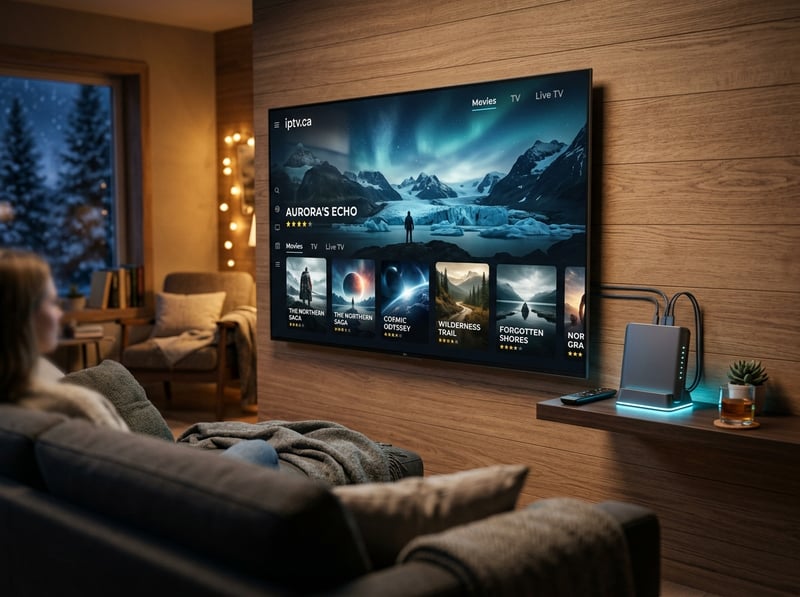
Every one of these warnings comes from something I've either experienced personally or watched happen to someone close to me. My cousin paid for a lifetime subscription last January. It lasted exactly 41 days. No refund, no response, the website just redirected to a domain parking page. And the credential sharing thing is no joke — a guy in an IPTV forum I follow got his annual subscription terminated with seven months left because he gave his login to a coworker. The provider showed him logs of two different IP addresses in two different cities streaming simultaneously. No appeal, no refund. Done.
How IPTV Subscription Pricing Works in 2026
Let's talk real numbers because most guides avoid this. A quality IPTV subscription in 2026 typically runs between 10 and 20 dollars per month for a single-connection plan. Two connections usually adds another 3 to 5 dollars. Quarterly plans usually knock 15 to 20 percent off the monthly rate, and annual plans can save you up to 40 percent, but I only recommend annual once you've been happy with the service for at least two full months. Anything below 8 dollars a month should raise your eyebrows. At that price point, the provider is either overselling server capacity, running minimal infrastructure, or planning to disappear once enough people have paid. On the flip side, anything above 25 dollars a month better include premium features like 4K channels, extensive catch-up, and priority server access. Most people land right in that 12 to 18 dollar sweet spot and get everything they need.
Choosing the Right Device for Your IPTV Subscription
Not every device handles IPTV equally, and this is something people discover too late. The Amazon Firestick 4K Max is still the most popular choice in 2026 for good reason. It's affordable, runs Android-based apps smoothly, and TiviMate works flawlessly on it. The Nvidia Shield TV Pro is the premium option if you want the absolute best performance — faster processing, better WiFi chip, and it handles 4K streams without breaking a sweat. But it costs significantly more. Android TV boxes in the 50 to 80 dollar range work fine for most people. Just make sure they have at least 4GB of RAM and run Android 10 or higher. Avoid the ultra-cheap 20 dollar boxes from unknown brands — they overheat, lag, and make even the best IPTV subscription feel terrible. Smart TVs with built-in apps are hit or miss. Samsung Tizen and LG WebOS have limited IPTV app support, so you're usually better off plugging a Firestick into the HDMI port. For mobile, Android phones handle IPTV apps natively. iPhones work too but your app choices are more limited since TiviMate isn't available on iOS.
VPN Setup for Your IPTV Subscription in 2026
If you're subscribing to IPTV in 2026 without a VPN, you're leaving yourself exposed to ISP throttling. Bell, Rogers, Telus, Comcast — they've all gotten more aggressive about detecting and slowing IPTV streams. A VPN encrypts your traffic so your ISP can't see what you're watching and has no reason to throttle you. I've been running ExpressVPN on my Firestick for over a year. It has a native Fire TV app, it's fast, and I've never noticed it slowing my streams down. NordVPN is my backup recommendation, especially their dedicated IP option. Some IPTV servers block shared VPN addresses because too many users connect from the same IP, and a dedicated IP fixes that entirely. Surfshark is the budget pick that still performs well, and the unlimited device policy means one account covers your entire household. Always connect to a VPN server geographically close to you and turn it on before opening your IPTV app. Connecting mid-session has caused me playlist errors more than once and it's annoying to troubleshoot when you just want to watch something.
How to Evaluate Your IPTV Subscription After the First Month
The trial and the first week are important, but the real test happens over 30 days. Here's what I track. First, consistency. Did the service buffer more as the month went on? Some providers start strong and degrade because they're constantly adding new users without upgrading servers. Second, VOD freshness. Were new movies and shows added during the month? If the VOD library looks identical to when you signed up, the provider has stopped investing. Third, support responsiveness. Did you need to contact them at all? If you did, how fast did they reply and did they actually solve the problem? I had a provider last year that took four days to respond to a dead channel report. That's unacceptable. Fourth, EPG accuracy. Has the guide stayed synced or has it drifted off? Time zone errors and missing data creep in when providers don't maintain their EPG feeds. If all four of these check out after a month, you've found something solid. That's when you can consider upgrading to a quarterly or annual plan with confidence.
Troubleshooting Common IPTV Subscription Issues
Channels won't load at all? First thing — verify you entered the right playlist type. Xtream Codes credentials don't work in the M3U field and vice versa. It's the most common mistake and it takes two seconds to fix. If channels load but you're getting a black screen, switch the video decoder in your player settings. On TiviMate, go to Settings, Player, Decoder, and toggle between hardware and software. One of them will work. Buffering on specific channels but not others usually means the provider's source feed for that channel is weak. Report it to support with the exact channel name so they can check their end. If everything buffers, it's probably your network or ISP throttling. Run a speed test during the buffering, and if speeds look fine, turn on a VPN to see if your ISP is the problem. EPG not showing up? Do a manual refresh in your app settings. On TiviMate it's under Settings, EPG, Update. If it's still blank after refreshing, your provider's EPG URL might be down and you'll need to contact them. Most of these issues take minutes to fix once you know where to look.
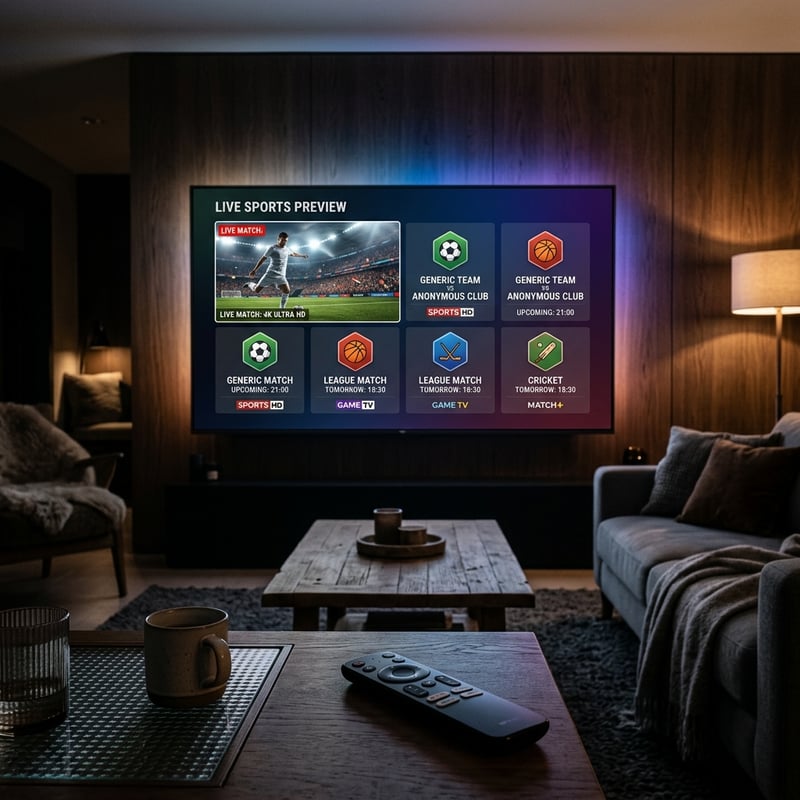
That's your complete IPTV subscription guide for 2026 — everything from choosing a provider and avoiding scams to setting up your devices and optimizing your network for buffer-free streaming. Use it as a checklist every time you evaluate a new service, and don't settle for anything that can't survive a peak-hour stress test. Ready to see what a reliable subscription actually looks like? Check out our full channel list and pricing plans and find the right plan for you.
Frequently Asked Questions
Ready to get started?
Try our service risk-free with a 24-hour free trial.
Related Articles
Understanding EPG: The Essential Guide for IPTV Users
Explore the concept of EPG and its benefits for IPTV users.
Top Canadian TV Series for IPTV Streaming in 2026
Explore popular Canadian drama, news, and entertainment series available on-demand in 4K.
Unlock the Best Canadian Series on IPTV: Your Guide to Streaming
Learn to watch Canadian series on IPTV effortlessly.