
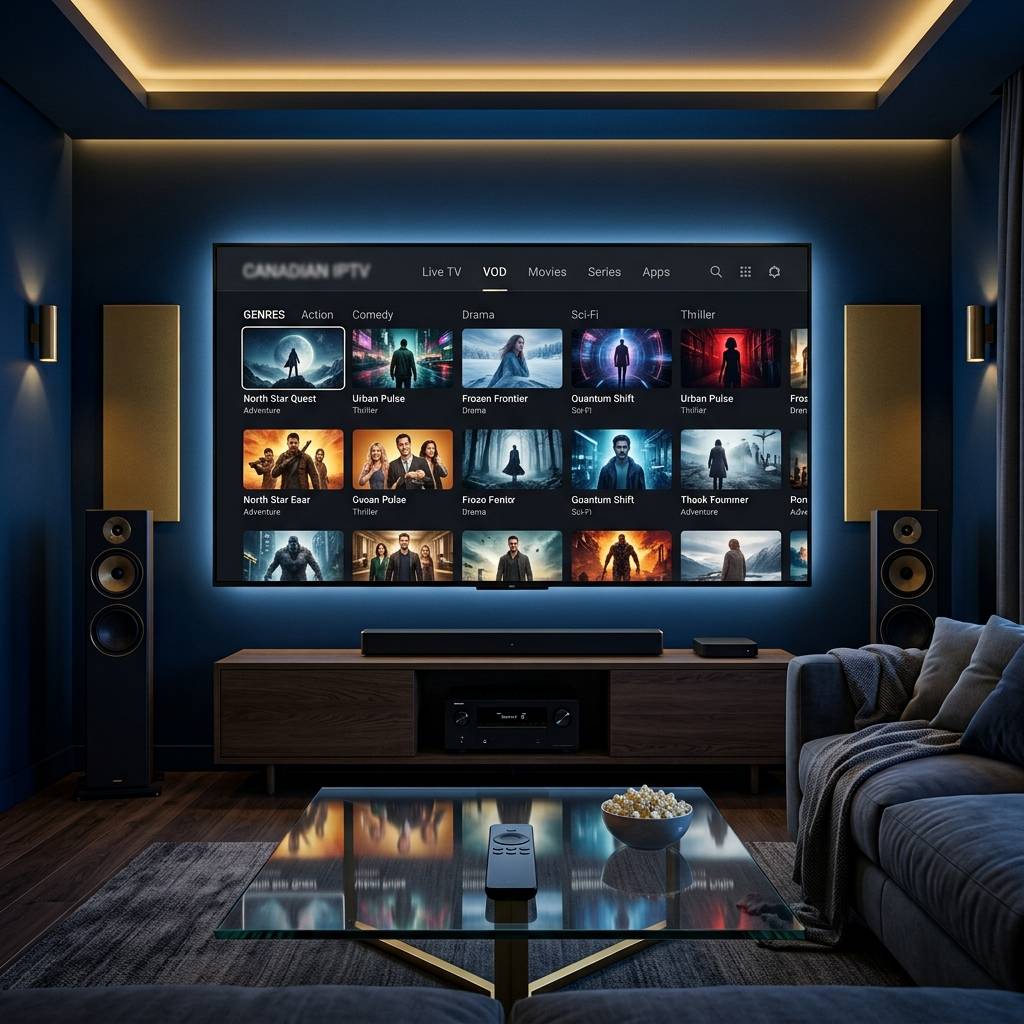
Discover the Best Canadian IPTV Subscriptions and Services

Paying $150+ a month for a cable package that still manages to miss the hockey game you actually wanted to watch is a uniquely Canadian frustration. Whether you're in Toronto, Vancouver, Calgary, or a rural town with spotty cable options, Canadian IPTV has completely changed the game, giving you access to thousands of live channels, on-demand movies, and sports content at a fraction of the cost. But here's the catch: setting it all up wrong means buffering, frozen streams, and a whole lot of regret. This guide walks you through everything, from picking the right IPTV subscription to getting crystal-clear 4K streams on your Firestick or Smart TV, without any of the headaches.
Solving your streaming setup properly isn't just about convenience, it's about reliability. A poorly configured Canadian IPTV setup will buffer during the Stanley Cup playoffs, drop signal mid-movie, and cost you hours of troubleshooting, so getting it right from the start means you actually enjoy what you're paying for.
Core Concepts & Need-To-Know Info
- M3U Playlist / M3U URL: A link your IPTV provider gives you that contains all your channel data. Apps like TiviMate or IPTV Smarters use this URL to load your channels and VOD content
- Xtream Codes API: An alternative login method (username, password, server URL) used by many Canadian IPTV providers instead of an M3U link. More stable and easier to manage
- EPG (Electronic Program Guide): The on-screen TV guide showing what's airing and when. A good Canadian IPTV provider will include an EPG URL so your channel guide looks just like cable
- VOD (Video on Demand): Your on-demand movie and series library, separate from live channels, usually accessible within the same app
- ISP Throttling: Your internet provider (Bell, Rogers, Telus, Shaw) can detect IPTV traffic and deliberately slow your connection, causing buffering. A VPN fixes this
- Internet Speed Requirements: Standard definition needs 10 Mbps, HD needs 25 Mbps, and 4K streaming demands at least 50 Mbps with a stable connection
- Firestick vs. Android TV: Both work excellently for Canadian IPTV. Firestick requires sideloading apps; Android TV boxes often have the Google Play Store, making installation simpler
Step-by-Step Guide
- Step 1: Enable Apps from Unknown Sources:
- On your Firestick, go to Settings, My Fire TV, Developer Options. Toggle on Apps from Unknown Sources and ADB Debugging. This allows you to install IPTV apps that aren't available on the Amazon App Store. Without this step, you physically cannot sideload your player.
- Step 2: Install the Downloader App:
- From the Firestick home screen, use the search bar to find and install the Downloader app by AFTVnews. This is your browser and file installer in one. Open it, go to the URL bar, and you're ready to pull in any APK file.
- Step 3: Download TiviMate or IPTV Smarters Pro:
- In the Downloader URL bar, type the direct APK download link for TiviMate Companion (search for the current APK URL on TiviMate's official site) or IPTV Smarters Pro. Hit Go, wait for the download to complete, then select Install when prompted. Once installed, tap Open.
- Step 4: Enter Your Canadian IPTV Subscription Details:
- Open TiviMate or Smarters. Select Add Playlist or Add Provider. If your provider gave you an M3U URL, paste it into the M3U field. If they gave you Xtream Codes credentials, select that option and enter your server URL, username, and password exactly as provided. One wrong character here breaks everything.
- Step 5: Load Your EPG / Channel Guide:
- Inside your app settings, look for EPG Source or Guide. Paste in the EPG URL your provider gave you. Give it 5-10 minutes to load. Your channel list will now show program names, times, and descriptions, just like a real cable guide.
- Step 6: Organize Your Channels & Test Streams:
- Browse to your Canadian channels, CBC News, Sportsnet, TSN, Crave. Click on one and let it buffer for 5 seconds. If it plays smoothly at HD quality, your setup is working. If it buffers, move to the troubleshooting steps below before assuming your subscription is faulty.
- Step 7: Connect a VPN (Highly Recommended):
- Download ExpressVPN, NordVPN, or Surfshark from the Amazon App Store directly on your Firestick. Connect to a Canadian server to keep your traffic local, or a US server to access cross-border content. Launch your VPN before opening your IPTV app every single session.
Imagine settling in for Game 7 of the Stanley Cup Finals and your stream freezes at the first goal, that's exactly what happens when ISP throttling hits and you have no VPN running. Equally painful is entering a wrong character in your Xtream Codes server URL and spending 45 minutes on the phone with support before someone spots the typo, and these aren't edge cases but the most common reasons Canadian IPTV users give up and go back to cable.
Best VPNs to Stop ISP Throttling in Canada
ISP throttling is a real and documented problem for Canadian streamers, particularly with Bell, Rogers, and Telus. A VPN encrypts your traffic so your ISP can't identify it as streaming data and slow it down. ExpressVPN is the gold standard for IPTV with blazing fast Canadian servers, MediaStreamer DNS included, and a dead-simple Firestick app, making it best for 4K streaming. NordVPN offers excellent speeds, over 700 Canadian servers, and a strict no-logs policy, with the Meshnet feature being handy if you're streaming across multiple home devices. Surfshark is the best value for Canadian families as unlimited simultaneous connections means your Firestick, Smart TV, phone, and laptop are all protected on one subscription. Mullvad is a privacy-first option for users who don't want any account-linked data, allowing payment with crypto and no email required, with outstanding streaming performance. Connect to a server in the same city as your IPTV server location for the lowest latency and fastest load times.
Common Setup Mistakes & How to Fix Them
Even tech-savvy users make these errors on the first try. If your channels use HLS streams but your app is set to decode them as MPEG-TS, you'll get audio without video or a black screen, so in TiviMate go to Settings, Player, Stream Format and try switching between options. Canada spans six time zones so make sure your app's timezone is set correctly and always force-refresh your EPG after initially loading it by pulling down from the player screen and tapping Refresh EPG. If you experience buffering on fast internet connections the problem usually isn't your internet, so go to TiviMate Settings, Player, Buffer Size and increase it from the default to 10,000ms or higher to pre-load more of the stream before playback. If channels load but there's no sound, change your audio output from Dolby Digital passthrough to PCM in your Firestick audio settings under Display & Sounds, Audio, Dolby Digital Output, Off.
Recommended Apps: TiviMate vs. IPTV Smarters for Canadian IPTV
TiviMate is the premium choice, with the paid version ($4.99/year via TiviMate Companion) unlocking multiple playlists, recording, and a beautiful catch-up TV interface that handles large Canadian channel lists of 5,000+ channels without slowing down. IPTV Smarters Pro is excellent for beginners as it is free to use, has Xtream Codes support built-in, and the setup wizard is more guided, working great if you're loading a single provider subscription and want something up and running in under 10 minutes. GSE Smart IPTV is a solid third option for users who want cross-device sync between their Firestick, iPhone, and iPad, supporting multiple M3U playlists with a decent built-in player. Perfect Player is popular among power users for its extremely customizable EPG layout and hardware decoding options, making it better for older Android TV boxes that struggle with software decoding. For most Canadian IPTV users streaming NHL, NFL, and CFL content regularly, TiviMate is worth every penny of that annual subscription.
Network Requirements for 4K Canadian IPTV Streaming
Your connection quality determines your ceiling. SD channels require a minimum of 10 Mbps download speed and under 30ms ping, Full HD (1080p) requires 25 Mbps download with a stable connection and no packet loss, and 4K UHD streams demand 50 Mbps+ download with ideally a wired ethernet connection to your streaming device. A wired ethernet adapter for Firestick ($10-$15 on Amazon) eliminates 80% of Wi-Fi related buffering issues, and if you're on Wi-Fi make sure your router is on the 5GHz band and your streaming device is within 20 feet. Concrete walls, microwaves, and neighboring Wi-Fi networks all interfere with signal so place your router in a central, elevated position in your home, and if multiple people are using the internet while you stream enable Quality of Service (QoS) in your router settings and prioritize your streaming device's MAC address.
Troubleshooting: Fixing Playlist Errors & Stream Issues
When things break, and occasionally they will, start by double-checking your M3U URL or Xtream Codes details character by character, logging into your provider's customer panel and copying the URL fresh to paste directly rather than retyping it manually. If specific channels are missing, some Canadian IPTV providers rotate channel lists, so refresh your playlist in the app settings under TiviMate Settings, Playlists, Update Now, as missing sports channels often come back after a refresh. Stream freezes every 30-60 seconds are almost always ISP throttling or a weak Wi-Fi signal, so enable your VPN and switch to ethernet before anything else. If the app crashes on channel change, clear the app's cache on your Firestick under Settings, Applications, Manage Installed Applications, TiviMate, Clear Cache, and restart, or uninstall and reinstall the latest APK version if the problem persists. A black screen with audio only indicates a video codec mismatch, so in TiviMate go to the player settings and toggle hardware acceleration off then try again.

Canadian IPTV genuinely delivers everything cable promises, live sports, local channels, premium VOD, at a price that makes your old cable bill look embarrassing, and the difference between a great experience and a frustrating one comes down to a reliable provider, the right player app, and a VPN running every session. Take your time with the setup steps above, bookmark this guide for troubleshooting, and explore our full channel list and pricing plans to find the perfect Canadian IPTV subscription for your home.
Frequently Asked Questions
Ready to get started?
Try our service risk-free with a 24-hour free trial.
Related Articles
Best Free IPTV Players for Firestick (2026 Guide)
The best free IPTV player apps for Amazon Firestick, compared for speed and buffering.

Best Streaming Device 2026: Sticks and Boxes Compared and Ranked
Choosing the right streaming device determines whether your nightly viewing experience is smooth 4K bliss or a buffering nightmare. A comparison of the popular streaming sticks and boxes in 2026 on boot speed, app loading time, 4K decode performance, WiFi stability, and IPTV player compatibility. These rankings focus on real-world specs, not marketing claims.
How to Get IPTV: The Complete Guide for 2026 Enthusiasts
Discover how to get IPTV and troubleshoot issues effectively.