
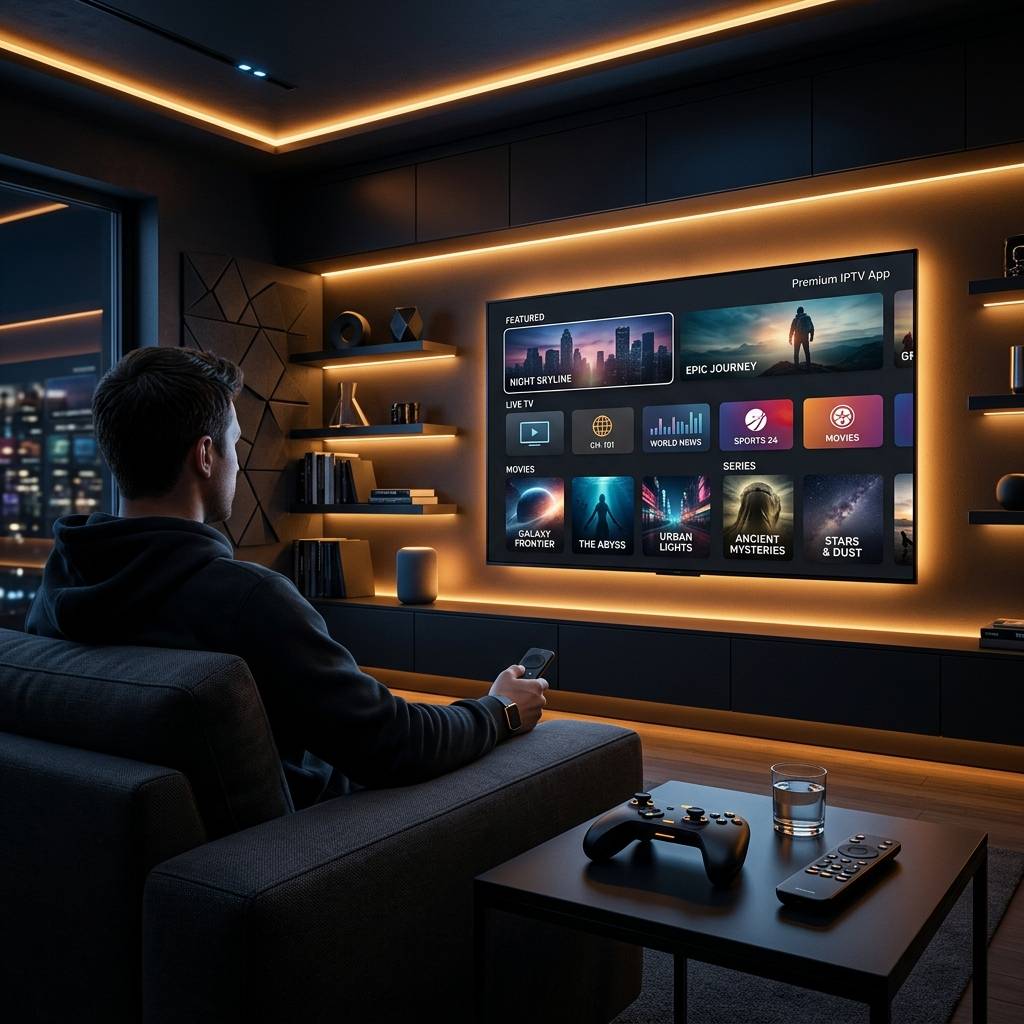
Discover the Best IPTV App for Apple TV in 2026

You've got an Apple TV sitting on your entertainment center, a shiny new IPTV subscription in your inbox, and absolutely no idea how to get the two talking to each other. Maybe you've already tried a couple of apps and ended up staring at a spinning buffer wheel, or worse, a playlist that simply refuses to load. The frustration is real, and you're not alone. Finding the best IPTV app for Apple TV is genuinely harder than it should be, because Apple's walled-garden ecosystem plays by different rules than Firestick or Android TV. But here's the good news: with the right app, the right configuration, and a few pro-level tweaks, your Apple TV can become one of the most powerful IPTV players you've ever used.
Solving this isn't just about convenience, it's about getting the streaming experience you're actually paying your IPTV provider for. A poor app choice means dropped streams during the biggest game of the season or a VOD library you can never fully browse, and that's money wasted every single month.
Core Concepts & Need-To-Know Info
- M3U Playlist URL: this is a web link your IPTV provider gives you that contains every channel, VOD title, and series in your subscription. It looks something like http://provider.com:8080/get.php?username=you&password=xxx&type=m3u_plus.
- Xtream Codes API: an alternative login method using a server URL, username, and password. Many premium apps prefer this because it loads channel lists faster and supports EPG data automatically.
- EPG (Electronic Program Guide): the TV guide that shows what's playing now and what's coming up. Without a valid EPG source, you're scrolling through channel numbers blind.
- VOD (Video on Demand): your IPTV provider's movie and TV show library, separate from live channels. App quality varies hugely in how well VOD is organized and searchable.
- ISP Throttling: your Internet Service Provider can detect IPTV traffic and deliberately slow it down. This is a primary cause of buffering even on fast connections.
- Buffer Size Settings: most quality IPTV apps let you manually increase the buffer, which pre-loads a few seconds of video and smooths out minor network hiccups.
- tvOS Restrictions: unlike Android TV or Firestick, Apple TV runs tvOS, meaning you can only install apps available on the App Store or via TestFlight. Sideloading is not an option without a developer account.
Step-by-Step Guide
- Step 1: Choose Your App:
- The top three IPTV apps currently available on the Apple TV App Store are GSE Smart IPTV, IPTV Smarters Pro, and Flex IPTV. GSE Smart IPTV is the most feature-rich and widely compatible, making it the recommended starting point. Open the App Store on your Apple TV, search GSE Smart IPTV, and hit Get to install.
- Step 2: Launch GSE Smart IPTV and Open Settings:
- Once installed, open the app. You'll land on a clean home screen. Navigate to the left-side menu and tap Remote Playlists, this is where you'll input your provider's streaming details.
- Step 3: Add Your M3U Playlist or Xtream Codes Login:
- Tap the + icon in the top right corner. You'll see two options: M3U URL or Xtream Codes API. If your provider gave you a direct M3U link, select M3U URL, give your playlist a name, paste the URL carefully (a single typo will break the entire list), and tap Add. If your provider uses Xtream Codes, select that option and enter your Server URL, Username, and Password exactly as provided.
- Step 4: Load the Playlist and Wait:
- After adding the source, tap your newly created playlist. GSE will begin fetching all channels and VOD content. Depending on how large your provider's channel list is, this can take 30 seconds to 3 minutes. Don't close the app during this process.
- Step 5: Configure Your EPG Source:
- Go back to the main menu, tap Settings, then EPG Settings. Enter the XMLTV URL provided by your IPTV service (most providers include this alongside your M3U URL). Set the EPG Refresh Interval to every 24 hours. This ensures your program guide stays current without hammering the server.
- Step 6: Adjust Buffer and Playback Settings:
- In Settings, find Player Settings. Increase the buffer size to at least 5000ms (5 seconds). Switch the default player to VLC-based playback if streams are stuttering, or try the native player for 4K HDR content. Enable Hardware Decoding to reduce CPU load and improve smoothness on 4K streams.
- Step 7: Test a Live Channel and VOD Title:
- Navigate to your channel list and play a live sports channel, these are the most demanding streams. If it plays smoothly at full resolution, your setup is solid. Also test a VOD movie to confirm that side of your subscription is working correctly.
- Step 8: Enable a VPN (Highly Recommended):
- Install a VPN app on your Apple TV (ExpressVPN and NordVPN both have native tvOS apps). Connect to a server in your home country or whichever region your IPTV provider's servers are based. This bypasses ISP throttling, which is the number one cause of unexpected buffering even on 100Mbps+ connections.

Imagine settling in for a Champions League final, firing up your stream, and hitting a buffering wall because your ISP detected IPTV traffic and throttled your connection. Or picture typing your M3U URL one character wrong and spending an hour convinced your provider's servers are down. These aren't edge cases, they're the most common reasons IPTV setups fail in the first hour, and all of them are completely preventable.
Best IPTV Apps for Apple TV Compared
- GSE Smart IPTV: the gold standard for tvOS. Supports M3U playlists, Xtream Codes API, XMLTV EPG, and external players. Handles massive channel lists without crashing. The UI is intuitive for Apple TV remotes.
- IPTV Smarters Pro: excellent for users whose providers are Xtream Codes-based. Features a built-in media player, series organizer for VOD, and a clean EPG grid layout. Slightly less customizable than GSE but more beginner-friendly.
- Flex IPTV: a solid budget-friendly alternative with M3U support and a minimal interface. Best for users with smaller channel lists who want something lightweight.
- OTT Navigator: not on the App Store but available via TestFlight for tech-savvy users. Widely considered the most powerful IPTV interface available, with granular EPG control and advanced playlist management.
Network Requirements for Smooth Streaming on Apple TV
- Live HD Channels: minimum 10 Mbps dedicated to streaming. Realistically, plan for 15 to 20 Mbps to accommodate network fluctuations.
- 4K / UHD Streams: these demand at least 25 to 35 Mbps with low latency. If your router is more than 4 years old, it may be your actual bottleneck.
- Wired Ethernet Connection: if your Apple TV is near your router, plug it in with an Ethernet adapter (Apple's USB-C to Ethernet adapter works flawlessly). Wired connections eliminate the packet loss and interference that kills Wi-Fi IPTV streams.
- Router Quality Matters: a Wi-Fi 6 (802.11ax) router significantly outperforms older Wi-Fi 5 hardware for streaming multiple devices simultaneously.
- Ping / Latency: for live sports, aim for under 20ms ping to your IPTV provider's server. High latency creates audio sync issues and delayed stream starts.
Common Setup Mistakes and How to Fix Them
- Playlist loads but shows zero channels: this almost always means your M3U URL has expired or your subscription hasn't been activated yet. Contact your provider and ask them to reissue your URL or confirm your account is live.
- EPG shows wrong times: go into your app's EPG settings and change the timezone offset. Many providers serve EPG data in UTC, so you need to add or subtract hours to match your local time.
- 4K streams buffer constantly but HD is fine: your connection isn't delivering enough sustained bandwidth for 4K. Either upgrade your plan, switch to wired Ethernet, or ask your provider for an alternative 4K stream URL that uses adaptive bitrate (ABR).
- App crashes when loading large VOD libraries: clear the app's cache in your Apple TV Settings under Manage Storage. Some providers have 50,000+ VOD titles which overloads apps with low memory allocation.
- Audio works but no video: switch the in-app player from native to VLC-based. This codec mismatch is common with certain stream formats like TS or MKV containers.
Best VPNs for Apple TV IPTV Streaming
- ExpressVPN: has a dedicated tvOS app, MediaStreamer DNS feature for devices that can't run the full VPN, and consistently delivers 300+ Mbps on modern Apple TV hardware. Best overall choice.
- NordVPN: native Apple TV app with a proven no-logs policy. Its NordLynx protocol (WireGuard-based) delivers lower latency than standard OpenVPN, which matters for live sports streams.
- Surfshark: budget-friendly without sacrificing speed. Unlimited simultaneous connections means one subscription protects your Apple TV, phone, and laptop simultaneously.
- Server selection tip: when connecting, always choose a server close to your IPTV provider's server location. Connecting to a VPN server 5,000 miles away from the stream source adds unnecessary latency.

Finding the best IPTV app for Apple TV isn't a one-size-fits-all answer, it depends on your provider's setup, your network quality, and how much fine-tuning you're willing to do. Armed with GSE Smart IPTV or IPTV Smarters Pro, a solid VPN, a wired connection where possible, and the configuration steps above, you're set up better than 90% of IPTV users on Apple TV, so check out our full channel list and pricing plans to complete your setup today.
Frequently Asked Questions
Ready to get started?
Try our service risk-free with a 24-hour free trial.
Related Articles
Top Firestick IPTV Players in 2026: Compared for Speed & 4K
A 2026 comparison of the top 5 IPTV player apps for Amazon Firestick on speed, memory usage, and buffering.
Best Free IPTV Players for Firestick (2026 Guide)
The best free IPTV player apps for Amazon Firestick, compared for speed and buffering.
Discover the Best IPTV Canada Subscriptions for 2026: A Complete Guide
Find the best IPTV Canada subscriptions and devices.